
Image
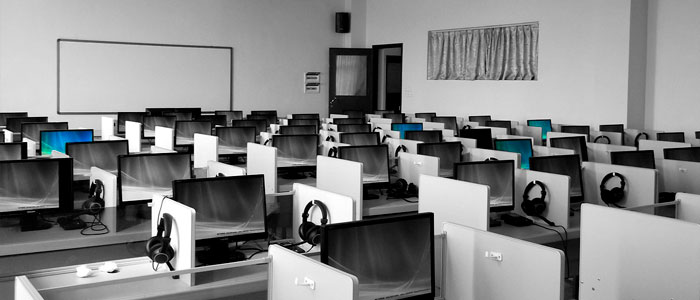
Work as if you were in FIB labs
We explain you how to access to the labs resources from home.
Access the laboratoriesImage
IT Services to work remotely
GSuite tools, among others, helps you tu study remotely.
Get to more tools
Work as if you were in FIB labs
All the options explained below require to be connected to the VPN offered by the UPC.
Linux
- Access to the virtual desktop. It is recommended to turn off the machine when you finish in order to leave the resource free (15-20 simultaneous connections)
- Download virtual image to install it on your computer. With this image you will not be able to access your data.
If you need the information from /dades or unit f:, we explain here how to remotely access the repository.
Windows
- Access to the virtual desktop. It is recommended to turn off the machine when you finish in order to leave the resource free (15-20 simultaneous connections)
IT Services to work remotely
During the 19-20 academic year, the UPC signed the G Suite for Education agreement, which makes the G Suite services available to the entire UPC community. Explore all GSuite possibilities